.svg)
.svg)
OPENTRAIN AI DOCUMENTATION
Hire and manage contracts
Hire an AI trainer, fund the first milestone, manage contract work, and approve completed milestones.
Hiring creates the contract, funds the first milestone, and opens the post-hire workspace for job messages, instructions, and milestone management.
Start from a reviewed proposal
Section titled “Start from a reviewed proposal”Open the proposal detail and click Hire when you are ready to move forward.
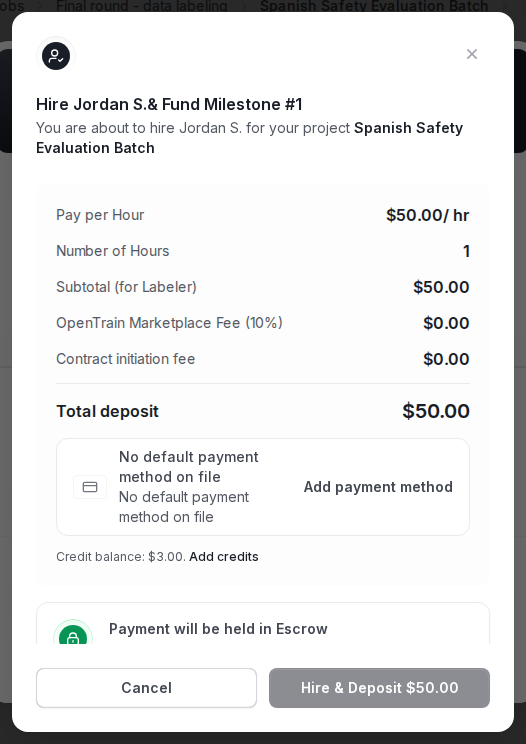
The hire flow asks for the first milestone amount, description, and optional due date. Review the payment method before you confirm.
What happens after hire
Section titled “What happens after hire”After hire:
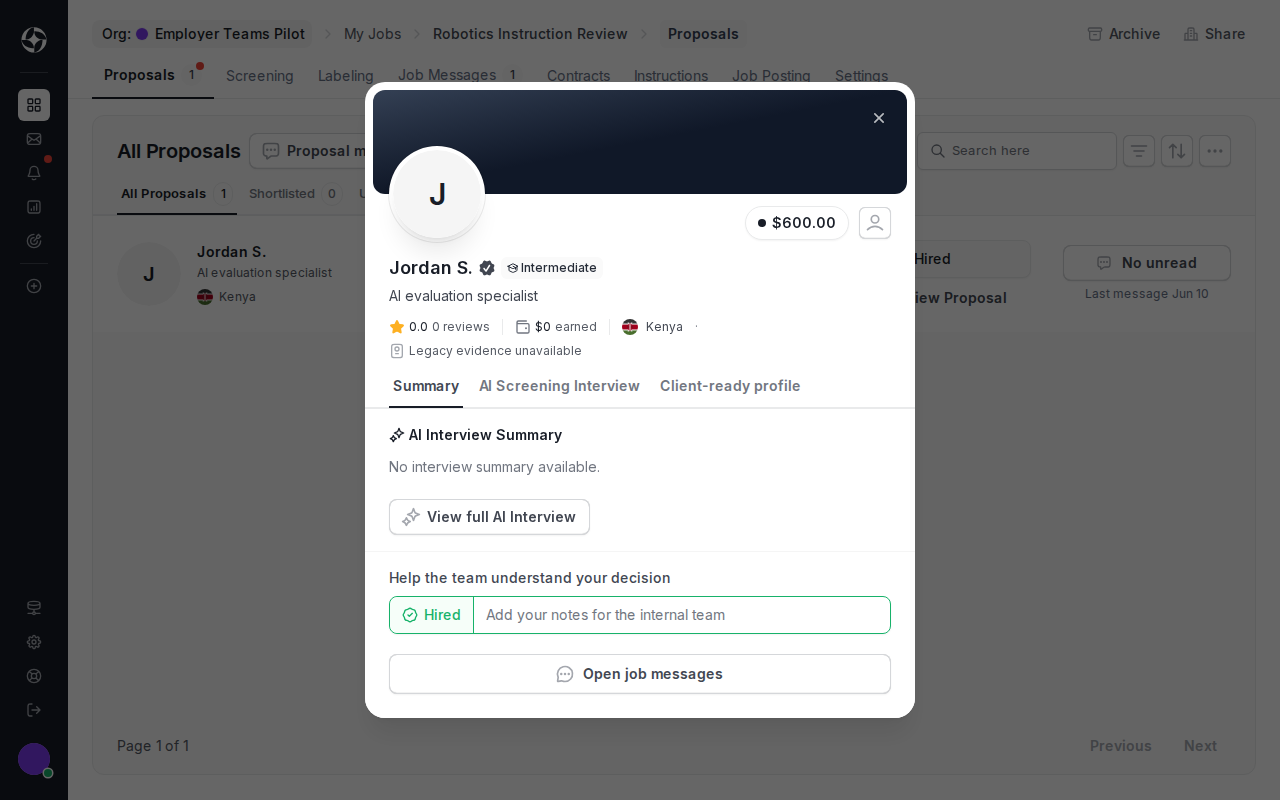
- the proposal moves to Hired;
- OpenTrain creates a contract for the AI trainer;
- the first milestone becomes visible in the contract;
- post-hire job messages become the right place for delivery coordination.
Manage milestones
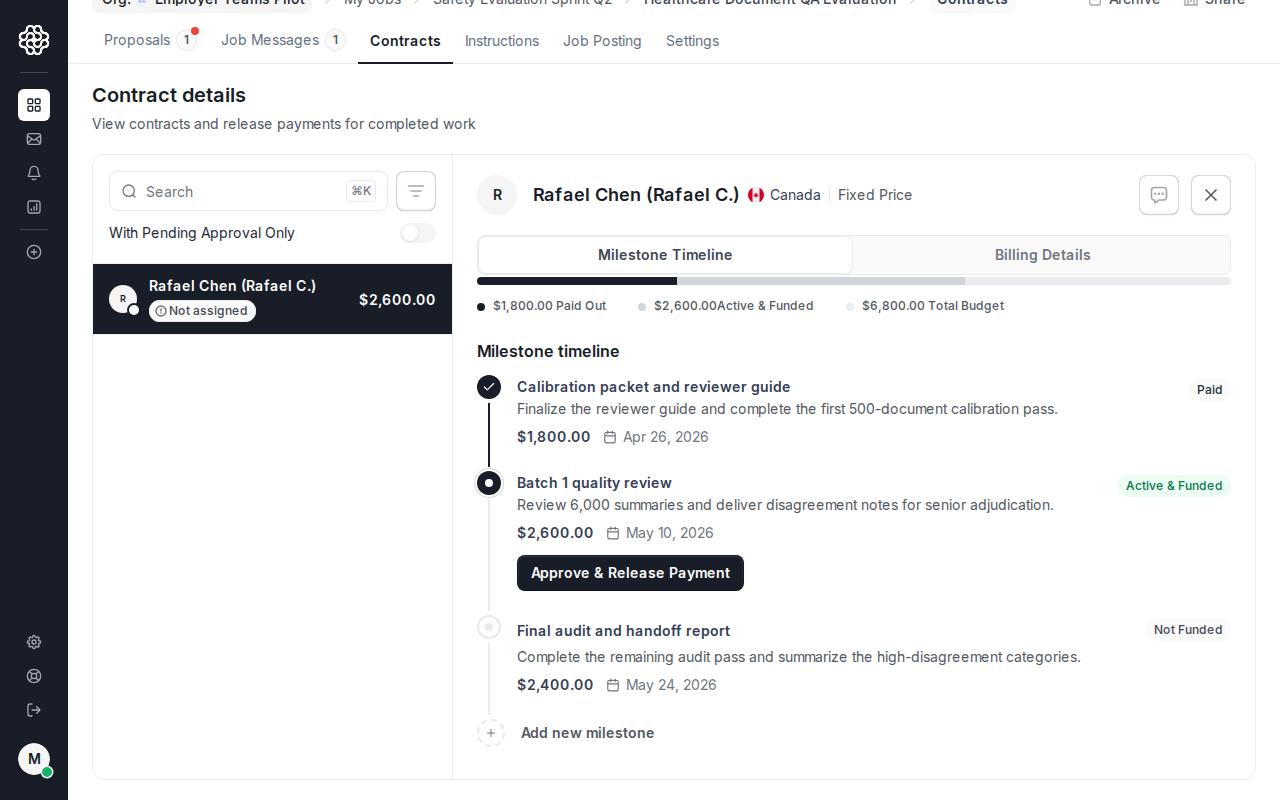
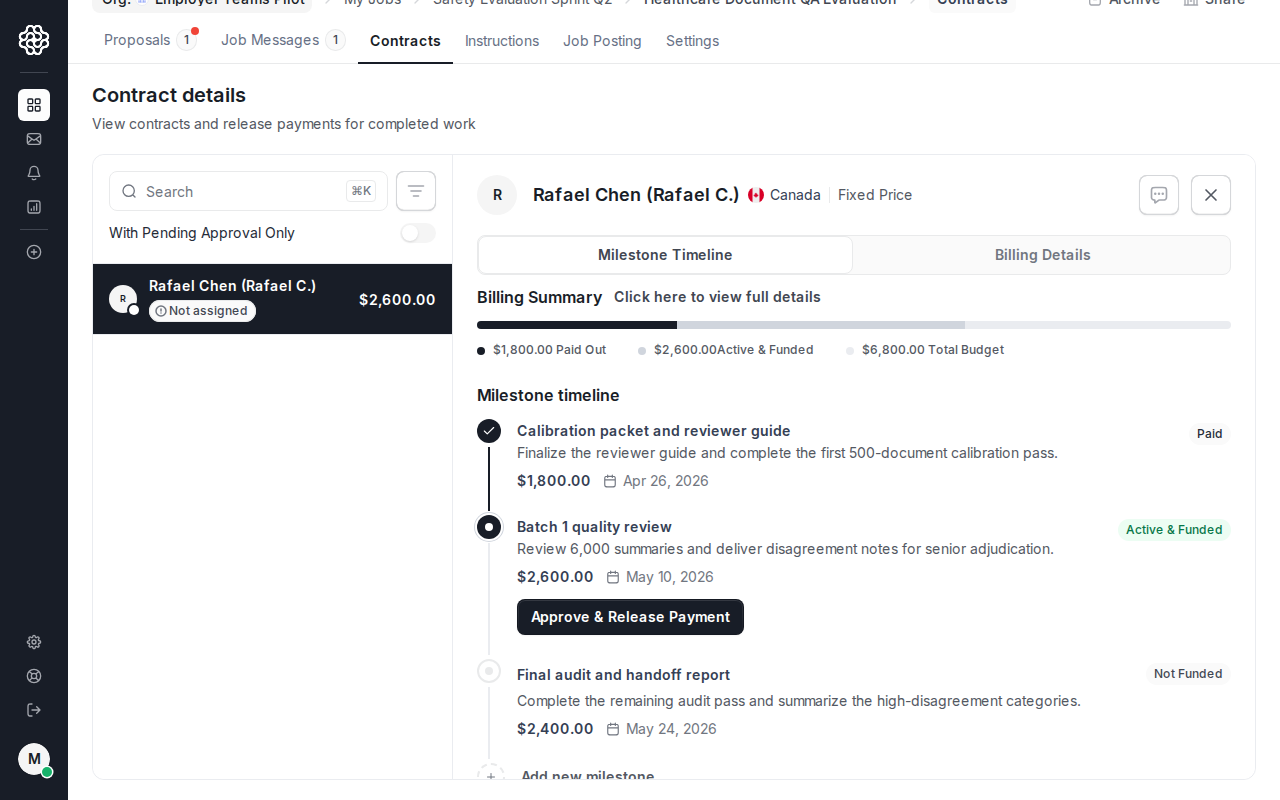
Section titled “Manage milestones”Open the Contract tab to review funded work, add later milestones, approve completed work, and keep payment history tied to the job.
Add and fund later milestones
Section titled “Add and fund later milestones”For subsequent work, click Add Milestone from the contract. Each milestone needs a deliverable description, amount, and optional due date.
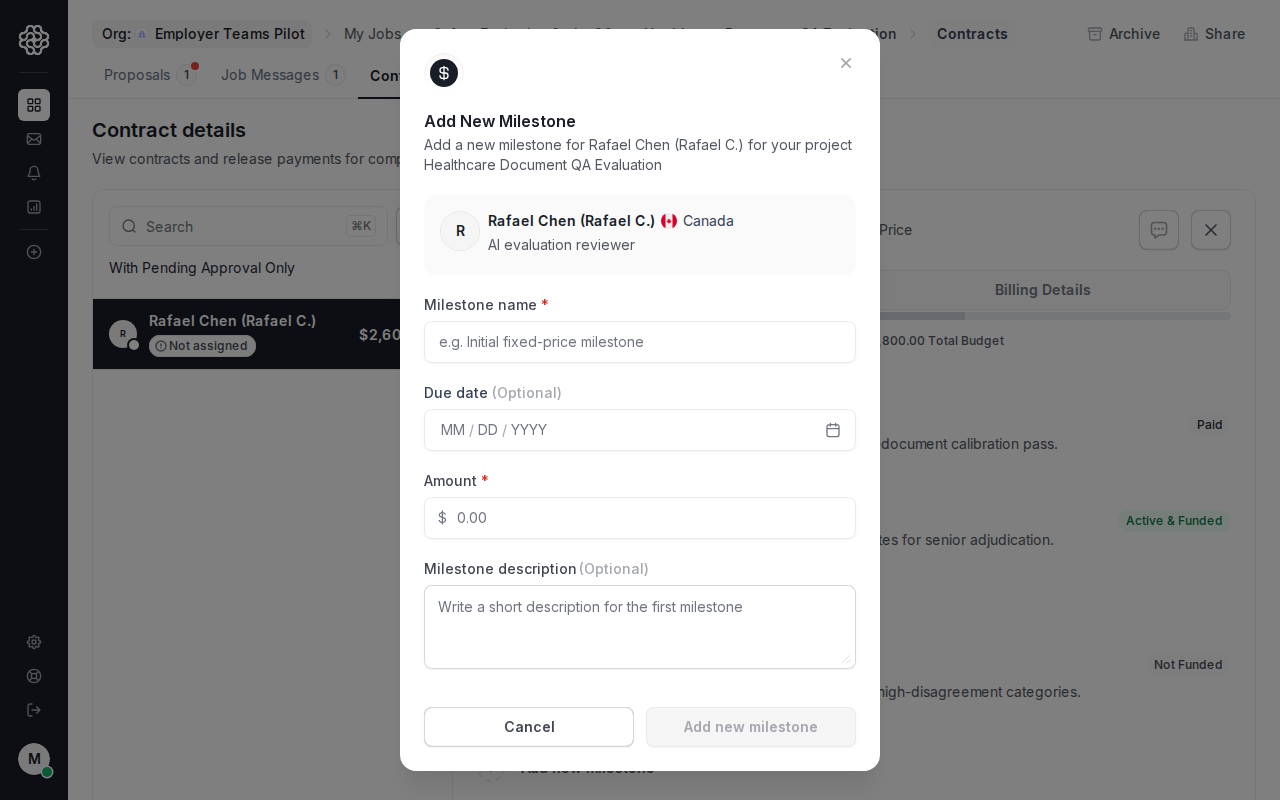
Milestones can be created before they are funded. They remain Not Funded until payment is collected.
Approve completed work
Section titled “Approve completed work”Approve milestones only after you have reviewed the delivered work. When you approve, OpenTrain starts payout to the AI trainer’s connected payout method and marks the milestone as paid.