
.svg)
.svg)
OPENTRAIN AI DOCUMENTATION
Screen candidates
Configure AI screening and review the candidate evidence that is visible to employers.
Screening helps you collect comparable evidence before you decide who to interview, message, or hire.
Set interview requirements
Section titled “Set interview requirements”You configure screening in the job wizard. The AI interview requirements are the instructions the interviewer follows with each applicant.
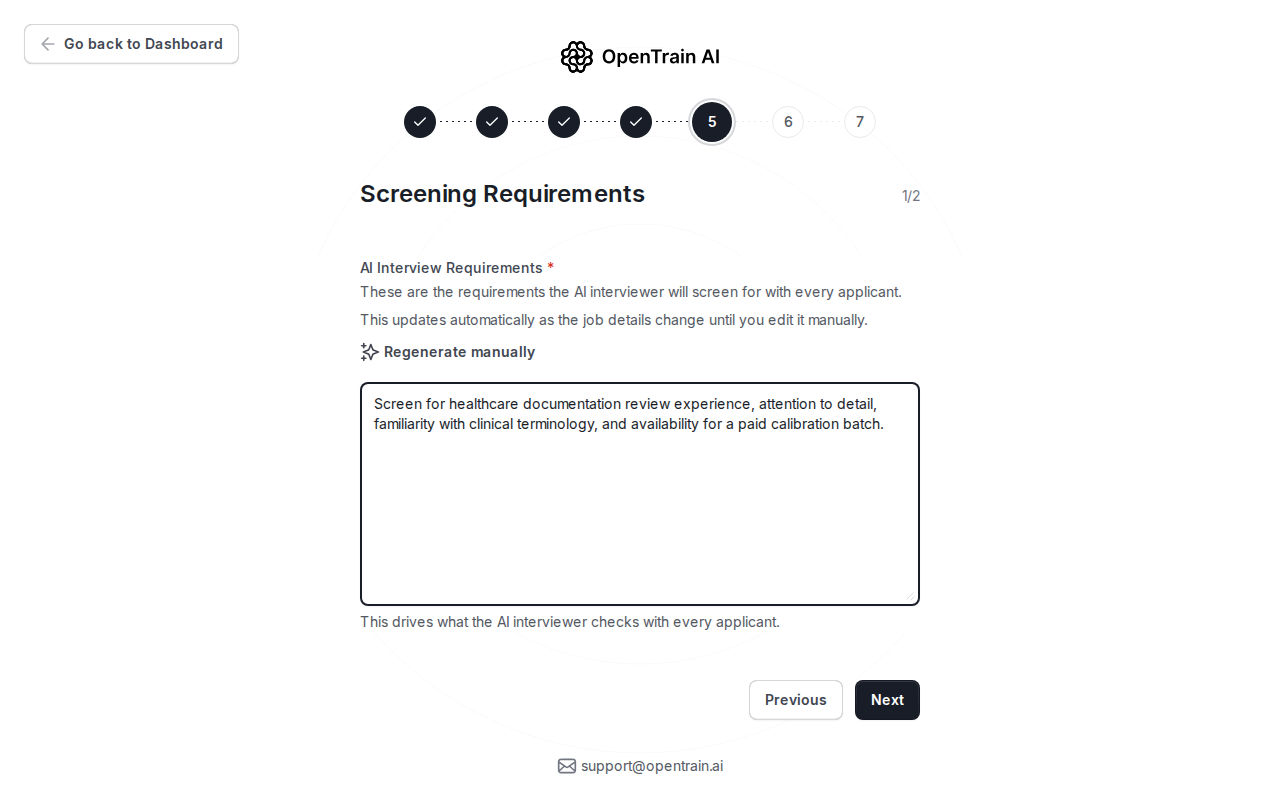
Good screening instructions usually include:
- credentials or domain experience to verify;
- tools, data types, or task types the candidate should know;
- availability, timezone, or workload constraints;
- role-specific questions you want answered before proposal review.
Choose the screening depth
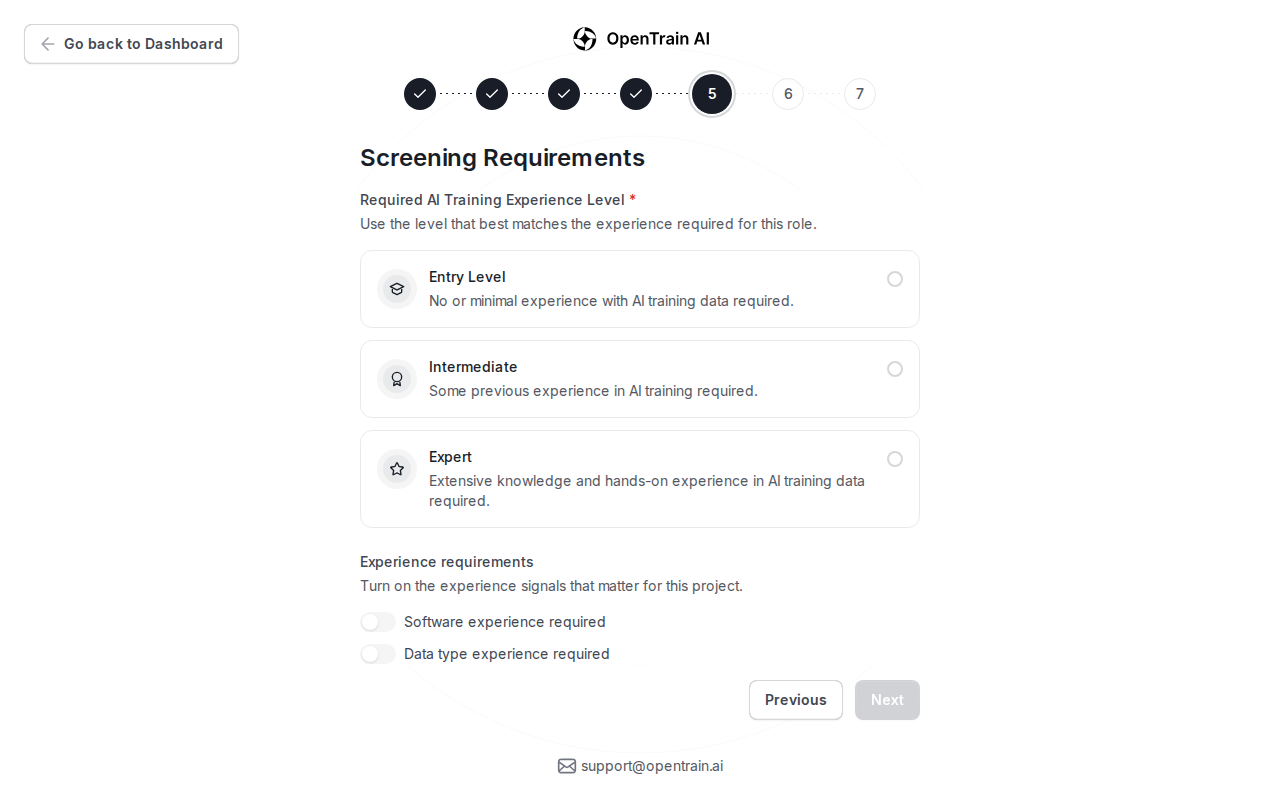
Section titled “Choose the screening depth”Use screening options to set the expected experience level and structured fields candidates should answer.
What candidates complete
Section titled “What candidates complete”For screened jobs, candidates answer the configured interview questions before submitting their proposal. OpenTrain can use resume and profile context to help flag mismatches, but those signals are review aids, not automatic hiring decisions.
Where you review answers
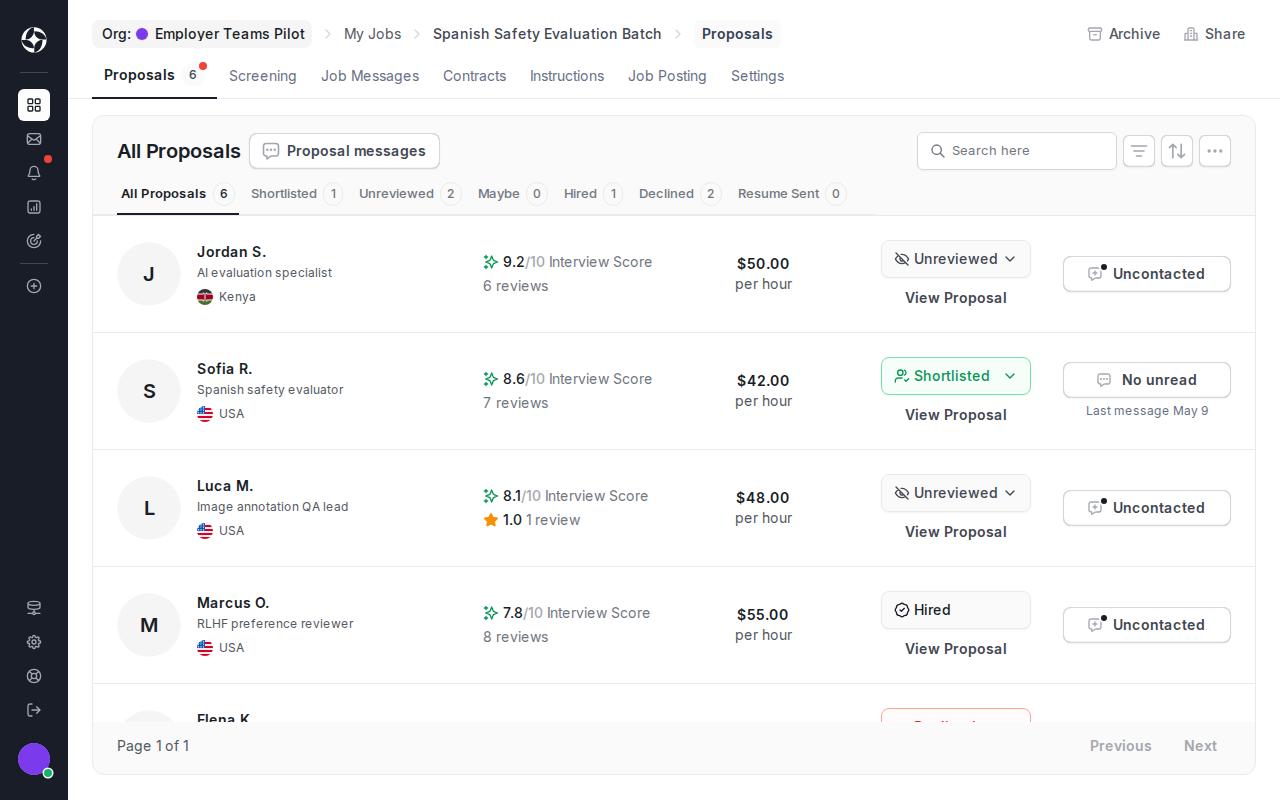
Section titled “Where you review answers”Screening answers appear in proposal review and, where available, folder-level screening. Use them to compare candidates by the same fields instead of reading every proposal from scratch.
Do not expect internal risk models, private integrity details, provider payloads, or raw system evidence to appear in employer docs or candidate review screens.