
.svg)
.svg)
OPENTRAIN AI DOCUMENTATION
Create an employer account
Create your employer workspace, add teammates, and get ready to post jobs on OpenTrain.
Use an employer account when you want to post jobs, review AI trainer proposals, hire, message, and manage payments in OpenTrain.
Start your workspace
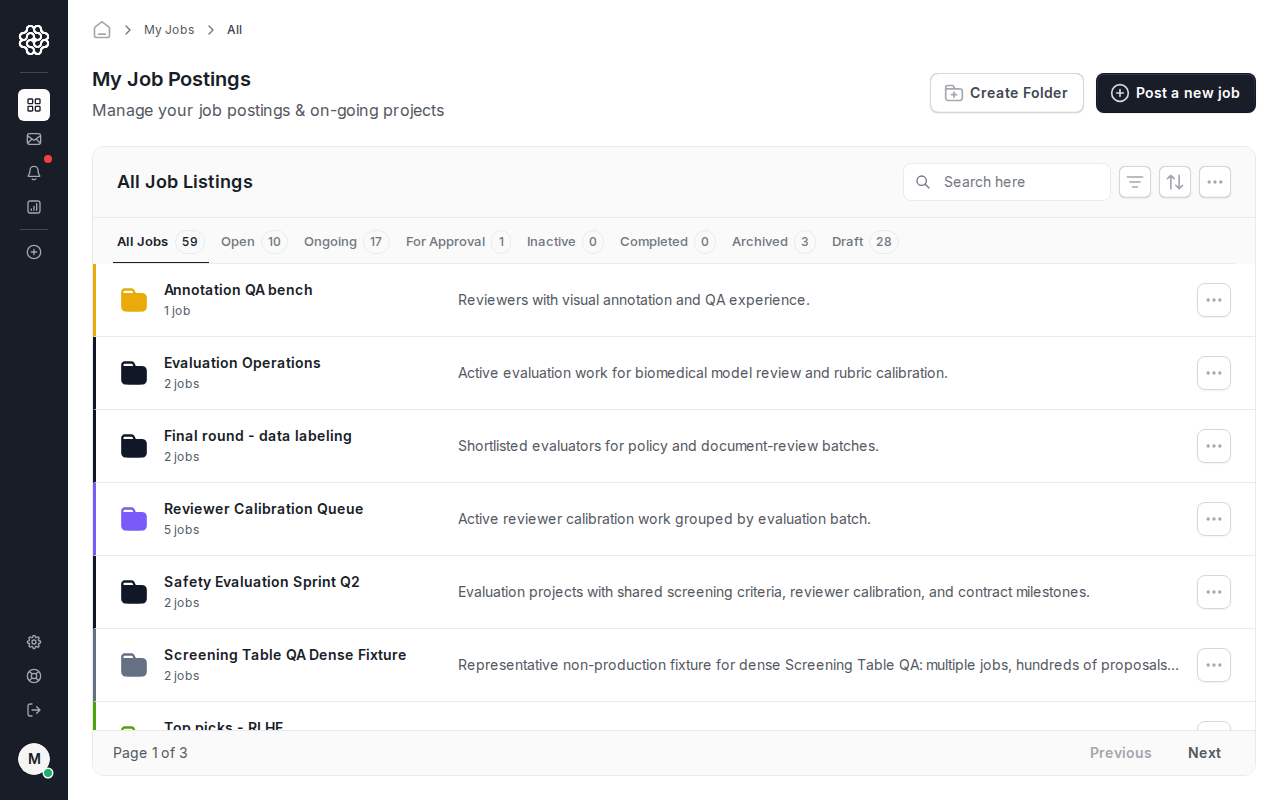
Section titled “Start your workspace”Create an account at app.opentrain.ai, choose the employer path, and complete your organization profile. After setup, the employer dashboard is your starting point for jobs, folders, reports, messages, and settings.
Add organization details
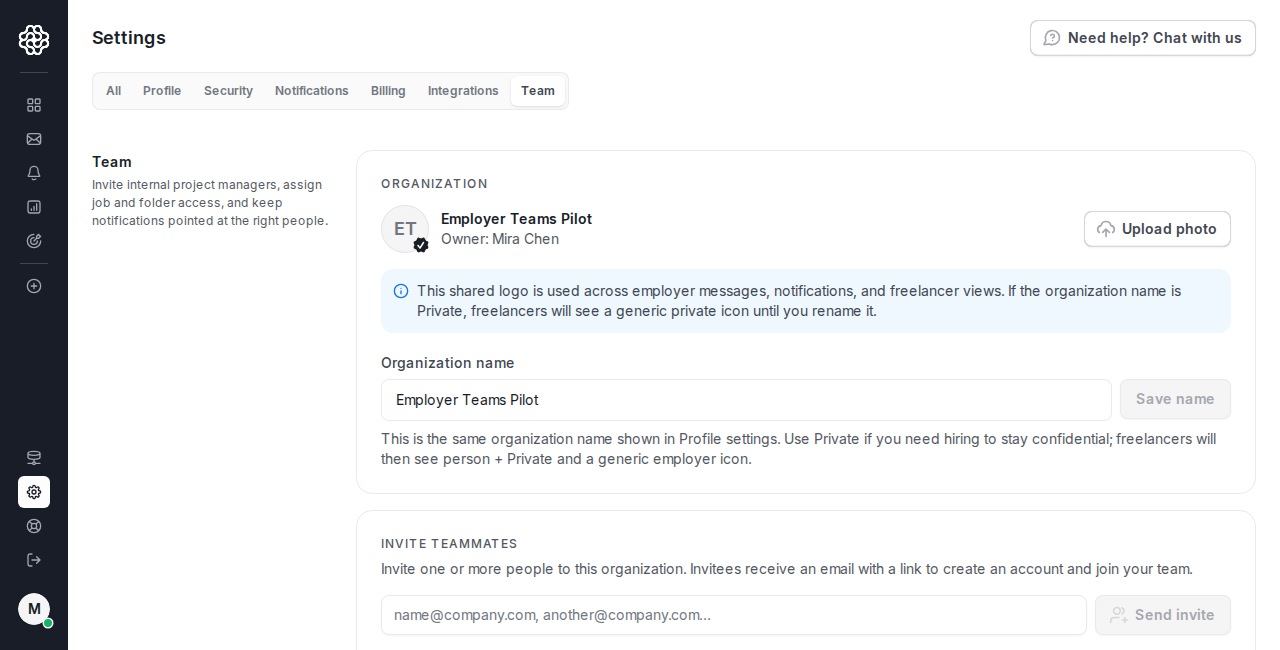
Section titled “Add organization details”Open Employer Settings to review your organization name and profile details. Keep this information current so teammates can recognize the workspace and support can identify the right account if you need help.
Invite teammates
Section titled “Invite teammates”If more than one person will review candidates or manage projects, add them from Employer Settings -> Team. Only organization owners can invite people, remove people, and manage organization-level settings.
After a teammate joins, use project access controls to decide which jobs and folders they can open. See Folders and team access for the project-sharing workflow.
Before you post your first job
Section titled “Before you post your first job”Make sure you have:
- a clear project description or job brief;
- the expected data type, task type, and tools;
- any location, language, domain, or availability requirements;
- a budget model, such as hourly, fixed price, or per-label;
- a payment method ready for the first hire and funded milestone.
You can save a job as a draft while you finish the details.